

Set Up a FinishLynx
Timing System
Step 1: Find the Right Quick-Start Guide (QSG) for Your Solution
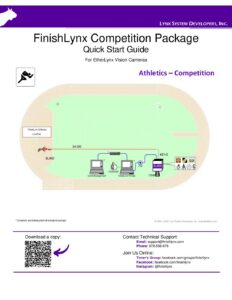
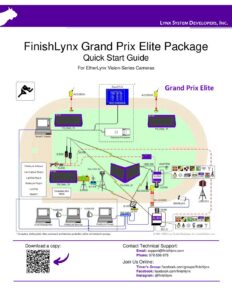
We have QSGs for all our major packaged solutions which have step-by-step directions on how to set up your system before a race. QSGs are the most important document you have when learning FinishLynx. It should be everything you need to get the system up and running. Keep it with your equipment or save the pdf on your phone so you can access it any time.
Choose Your High School Track & Field Quick-Start Guide BeloW
Proceed to Step 2 to see the full Quick Start Guide Library

QSG – Vision Scholastic Solution High School Setup
783.9 KB

QSG – Vision Bronze Solution High School Setup
905.6 KB

QSG – Vision Silver Solution High School Setup
905.6 KB

QSG – Vision Gold Solution High School Setup
905.6 KB

QSG – Vision Platinum Solution High School Setup
972.5 KB

QSG – Vision MVP Solution High School Setup
899.2 KB

QSG – Vision Diamond Solution High School Setup
1.0 MB
Step 2: Choose Any Additional Setup Guides & Manuals You May Need
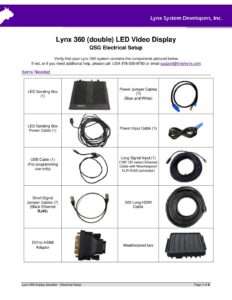
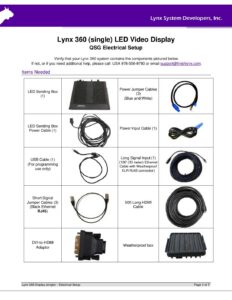
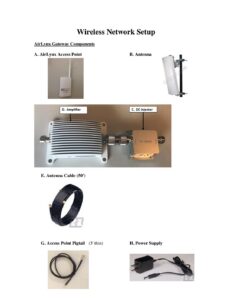
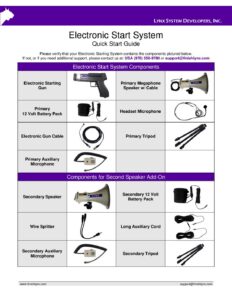
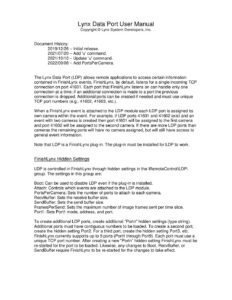
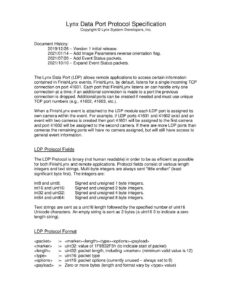
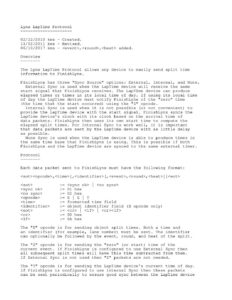
The guides below can help you align your camera, add an IdentiLynx video camera, integrate with a meet manager database, configure your Windows network settings, and more.
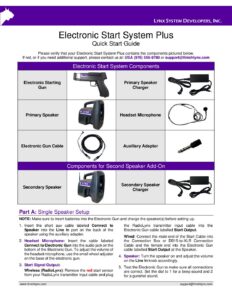
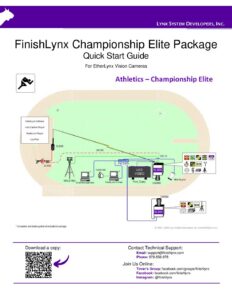
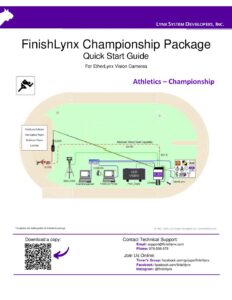
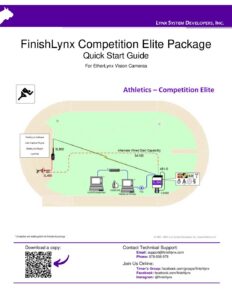
Quick Start Guides
|
File
|
Size
|
Type
|
Last Modified
|
Download |
|---|---|---|---|---|
|
449 KB
|
pdf
|
Mar 17, 2026
|
Download | |
|
455 KB
|
pdf
|
Mar 17, 2026
|
Download | |
|
172 KB
|
pdf
|
Oct 06, 2023
|
Download | |
|
159 KB
|
pdf
|
Mar 17, 2026
|
Download | |
|
276 KB
|
pdf
|
Mar 17, 2026
|
Download | |
|
971 KB
|
pdf
|
Jun 13, 2022
|
Download | |
|
817 KB
|
pdf
|
Jun 16, 2023
|
Download | |
|
1,009 KB
|
pdf
|
Jun 13, 2022
|
Download | |
|
1 MB
|
pdf
|
Jun 13, 2022
|
Download | |
|
918 KB
|
pdf
|
Jun 12, 2023
|
Download |
Product Manuals
|
File
|
Size
|
Type
|
Last Modified
|
Download |
|---|---|---|---|---|
|
831 KB
|
pdf
|
Mar 17, 2026
|
Download | |
|
3 MB
|
pdf
|
Jun 09, 2022
|
Download | |
|
10 KB
|
pdf
|
Mar 17, 2026
|
Download | |
|
15 KB
|
pdf
|
Mar 17, 2026
|
Download | |
|
17 KB
|
pdf
|
Jan 06, 2023
|
Download | |
|
8 KB
|
pdf
|
Mar 17, 2026
|
Download | |
|
3 MB
|
pdf
|
Mar 17, 2026
|
Download | |
|
2 MB
|
pdf
|
Dec 07, 2022
|
Download | |
|
3 MB
|
pdf
|
Mar 17, 2026
|
Download | |
|
156 KB
|
pdf
|
Aug 19, 2024
|
Download |

Step 3: Update Your FinishLynx Software & Download Any Paid Plug-ins
Be sure that all your FinishLynx software is up to date. You can always download the latest version of FinishLynx for free at any time by visiting the FinishLynx product page. You can also download the paid plug-ins directly from the website but you’ll need your serial numbers to activate them. Your paid serial numbers for software and plug-ins can be found inside the installation CD or Flash Drive provided with your system. If you’ve misplaced your serial numbers, please contact us now to request them again.